01 / GET STARTED
Pay for parking
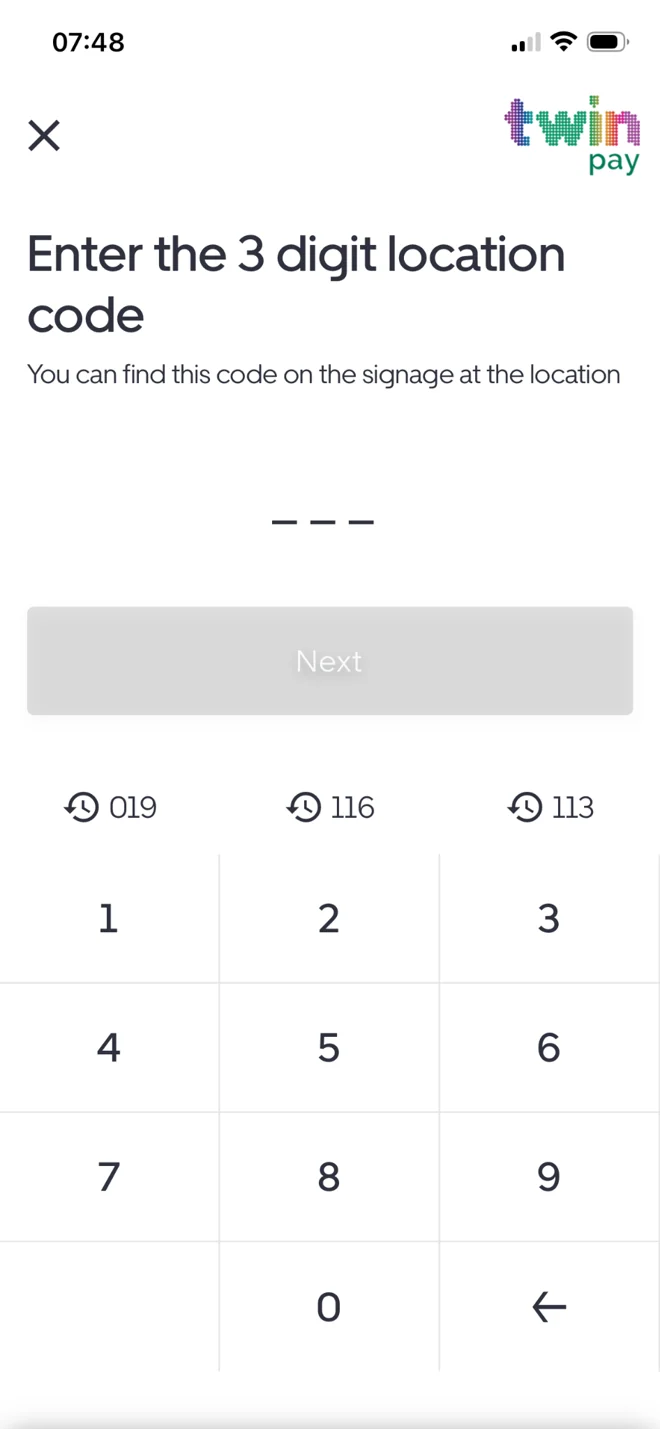
Enter the code shown on your parking signage and follow the steps for your car park. Your next step is clearly shown in the app.

A simple experience from finding your parking session to checking out, with useful options when your plans change.
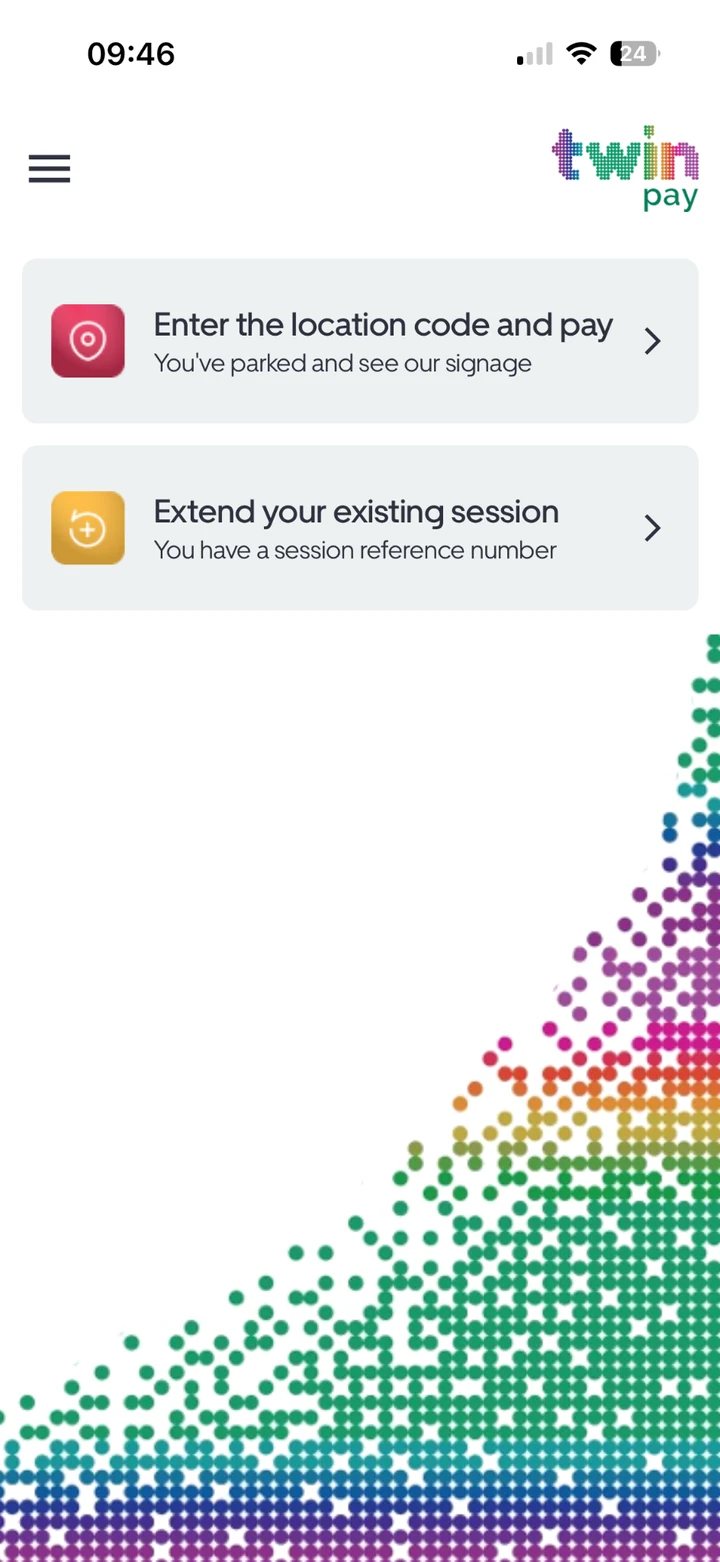
Enter the code shown on your parking signage and follow the steps for your car park. Your next step is clearly shown in the app.
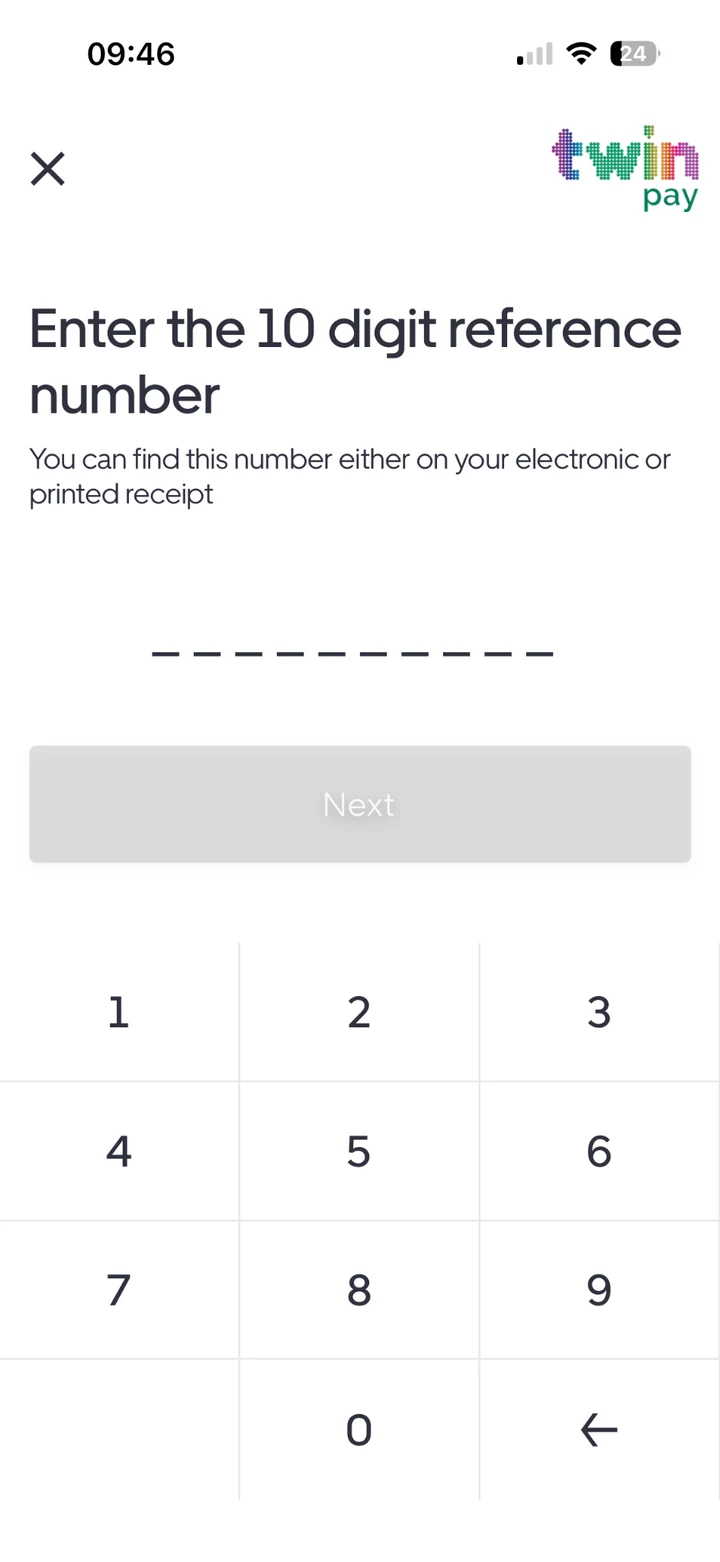
Plans changed? Use your session reference to extend an eligible parking session without heading back to the car park.
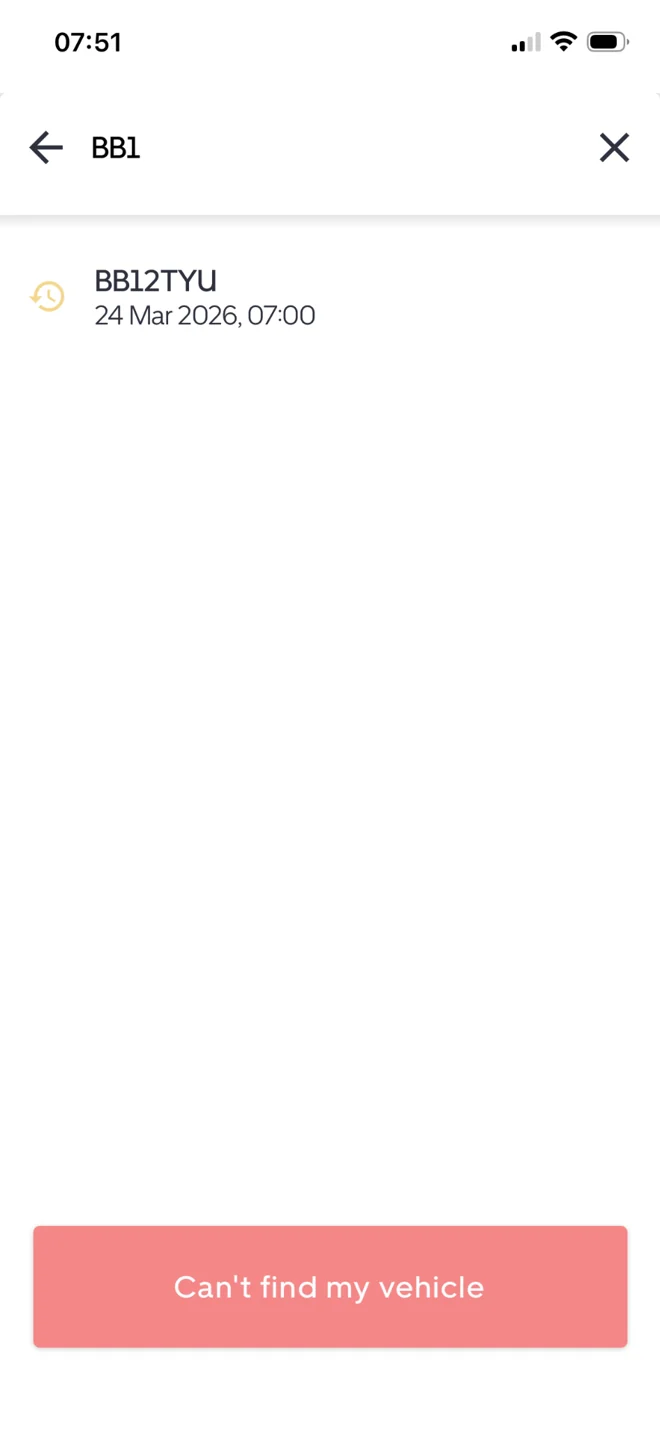
At sites using pay on exit, find your vehicle's ANPR session and make payment after your stay. No need to guess your duration upfront.
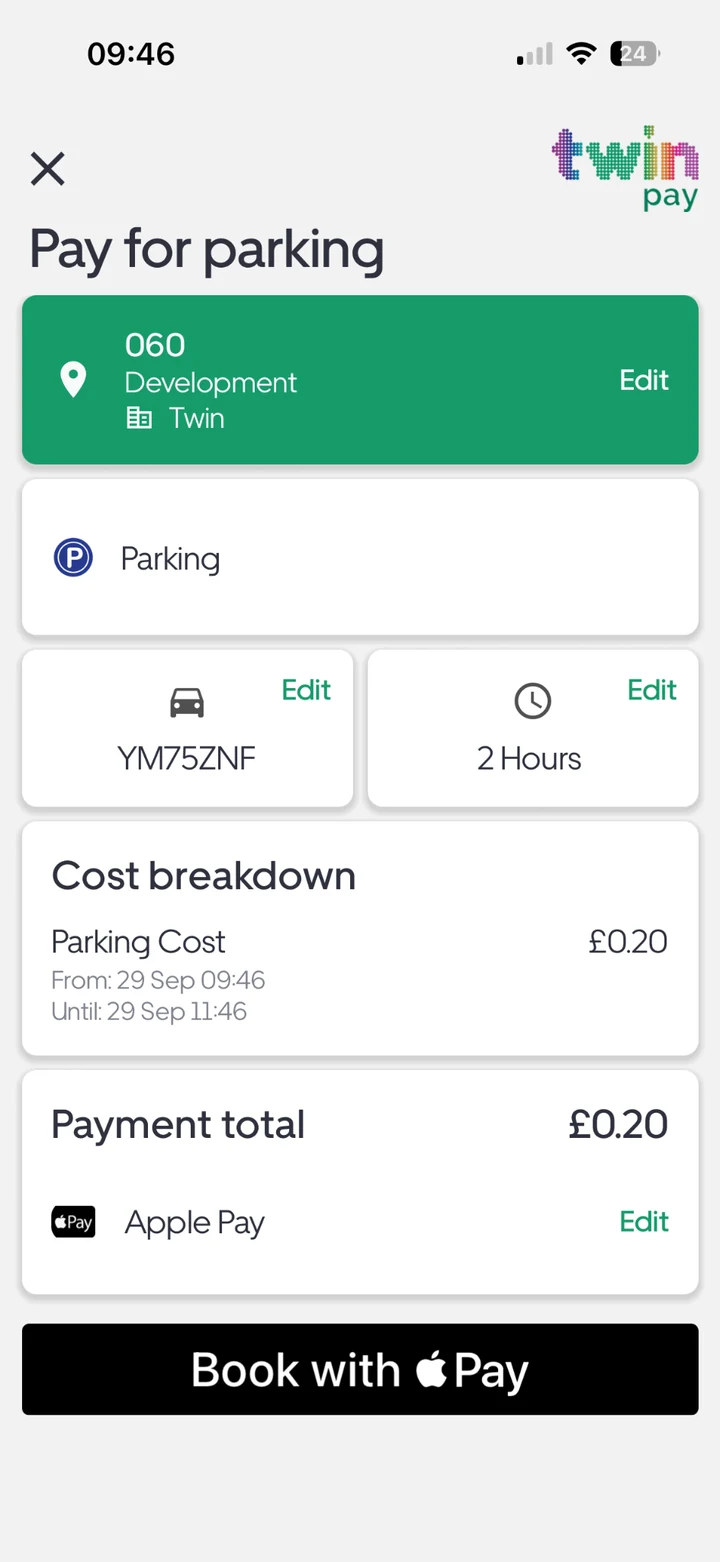
See the vehicle, parking details and total before confirming. Pay with the methods supported by the site and your device.
Features, tariffs and payment methods vary by location. Please check the signage and the details displayed before paying.
Take a closer look at the steps from location code to payment.
Explore the payment journey